LLM Streaming in Production: Server-Sent Events, Token Buffering, and Handling Mid-Stream Failures
Waiting 12 seconds for a loading spinner to resolve before any text appears is not an AI product — it's a slow API with a chat UI bolted on. Streaming LLM responses isn't a nice-to-have feature polish. It's the difference between a product that feels alive and one that feels broken.
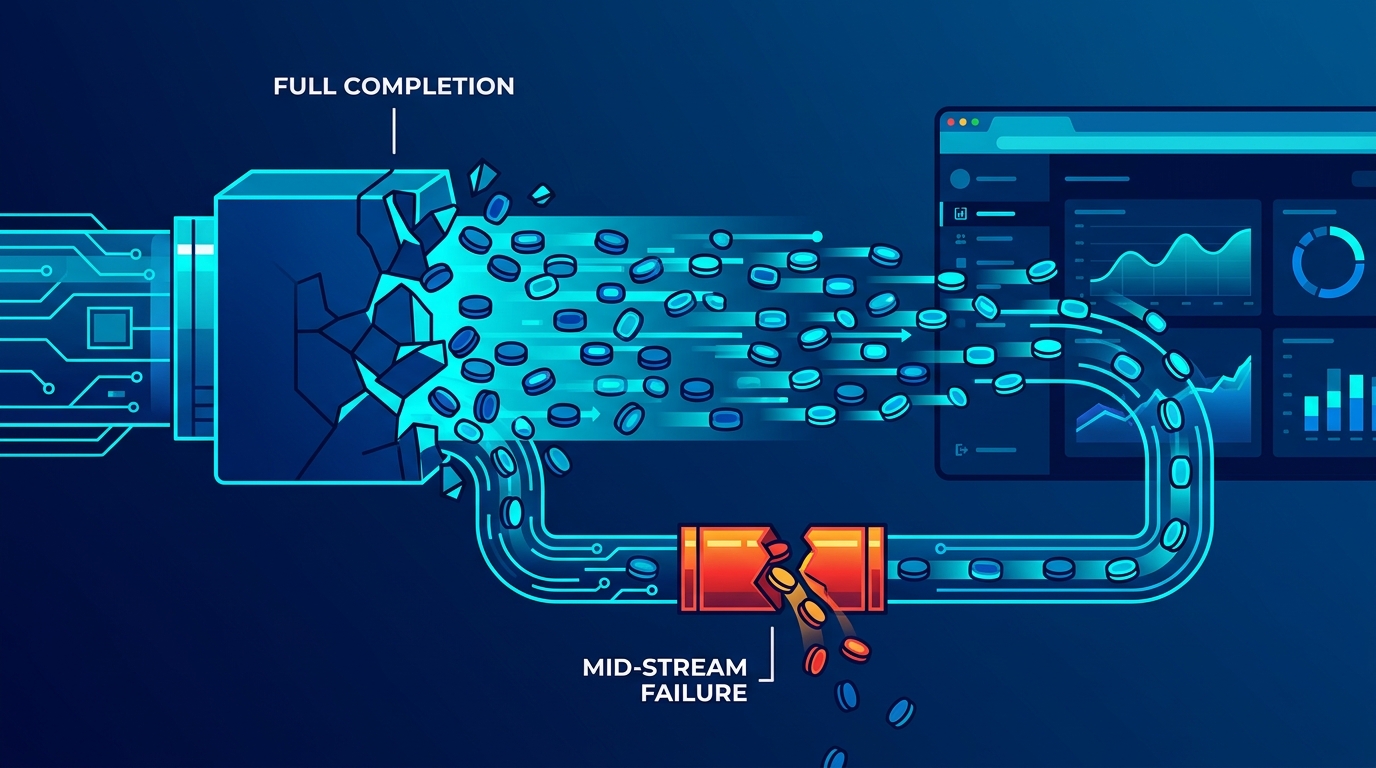
The good news: if you've built real-time APIs before, you already know the underlying transport patterns. LLM streaming is SSE and chunked HTTP applied to token output. The unfamiliar part is what happens when the stream breaks halfway through a sentence.
Why Full-Response Blocking Fails in Production
A modern LLM generating a 400-token response at ~40 tokens/second takes roughly 10 seconds to complete. During that window, your server holds an open connection, your client shows nothing, and your user has already questioned whether the request went through.
Full-response blocking also compounds infrastructure costs. Long-held connections under load exhaust your connection pool faster, and if a user cancels before completion, you've burned compute and tokens generating output nobody read.
The Transport Layer: SSE and Chunked HTTP
Two patterns dominate LLM streaming in production:
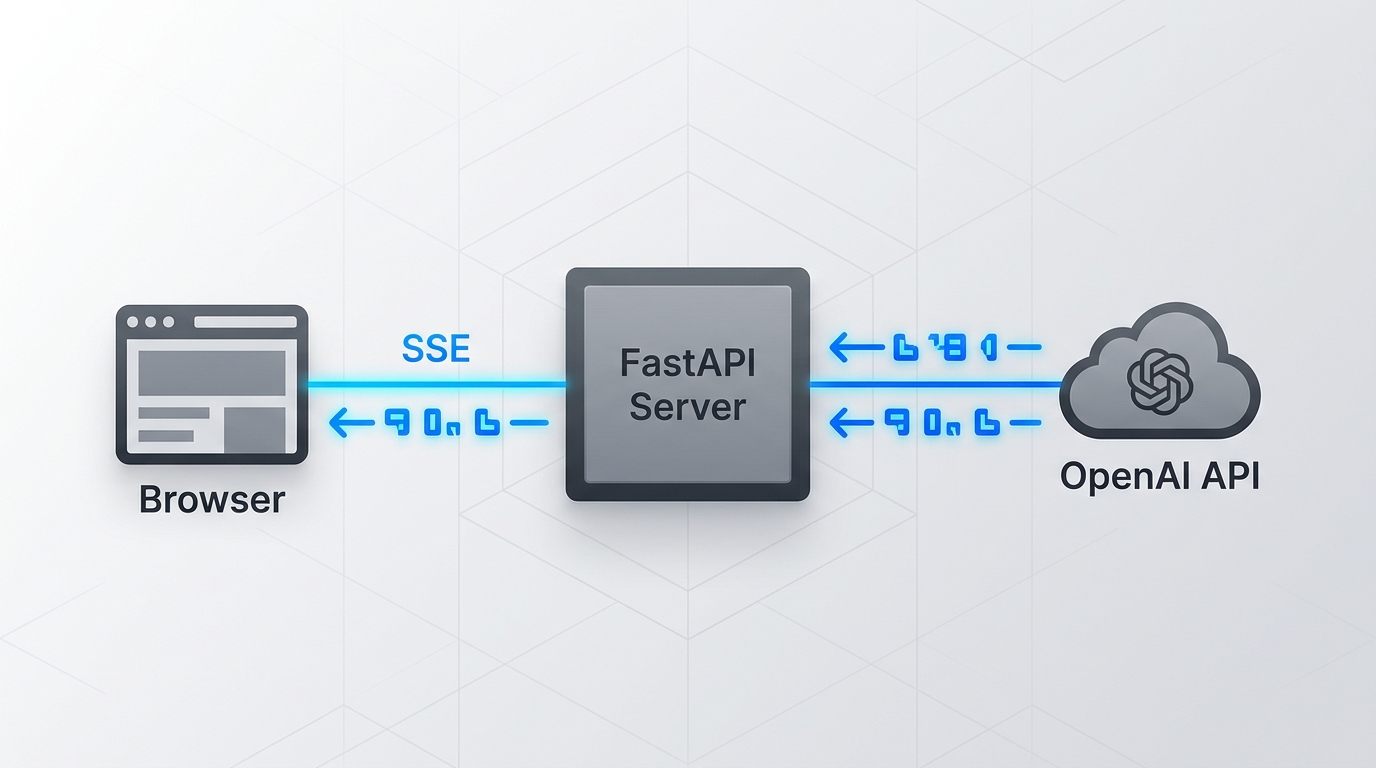
- Server-Sent Events (SSE): Unidirectional HTTP stream from server to client. The browser's
EventSourceAPI handles reconnection natively. This is what OpenAI and Anthropic use in their own chat interfaces. - Chunked Transfer Encoding: The server sends
Transfer-Encoding: chunkedheaders and flushes response bytes incrementally. Simpler for non-browser clients and service-to-service calls.
For browser-facing applications, SSE is the right default. For backend-to-backend streaming (e.g., your API server relaying tokens to a mobile client), chunked responses or WebSockets give you more control.
Implementing Token Streaming with OpenAI
Here's a minimal FastAPI endpoint that streams tokens via SSE using OpenAI's Python SDK:
from fastapi import FastAPI
from fastapi.responses import StreamingResponse
from openai import OpenAI
import json

app = FastAPI()
client = OpenAI()

def token_stream(prompt: str):
    with client.chat.completions.create(
        model="gpt-4o",
        messages=[{"role": "user", "content": prompt}],
        stream=True,
    ) as stream:
        for chunk in stream:
            delta = chunk.choices[0].delta.content
            if delta is not None:
                # SSE format: each event must be 'data: ...\n\n'
                yield f"data: {json.dumps({'token': delta})}\n\n"
        yield "data: [DONE]\n\n"

@app.get("/stream")
def stream_response(prompt: str):
    return StreamingResponse(
        token_stream(prompt),
        media_type="text/event-stream",
        headers={"Cache-Control": "no-cache", "X-Accel-Buffering": "no"}
    )
Handling Mid-Stream Failures
This is where most implementations cut corners and regret it. Three failure modes you need to handle explicitly:
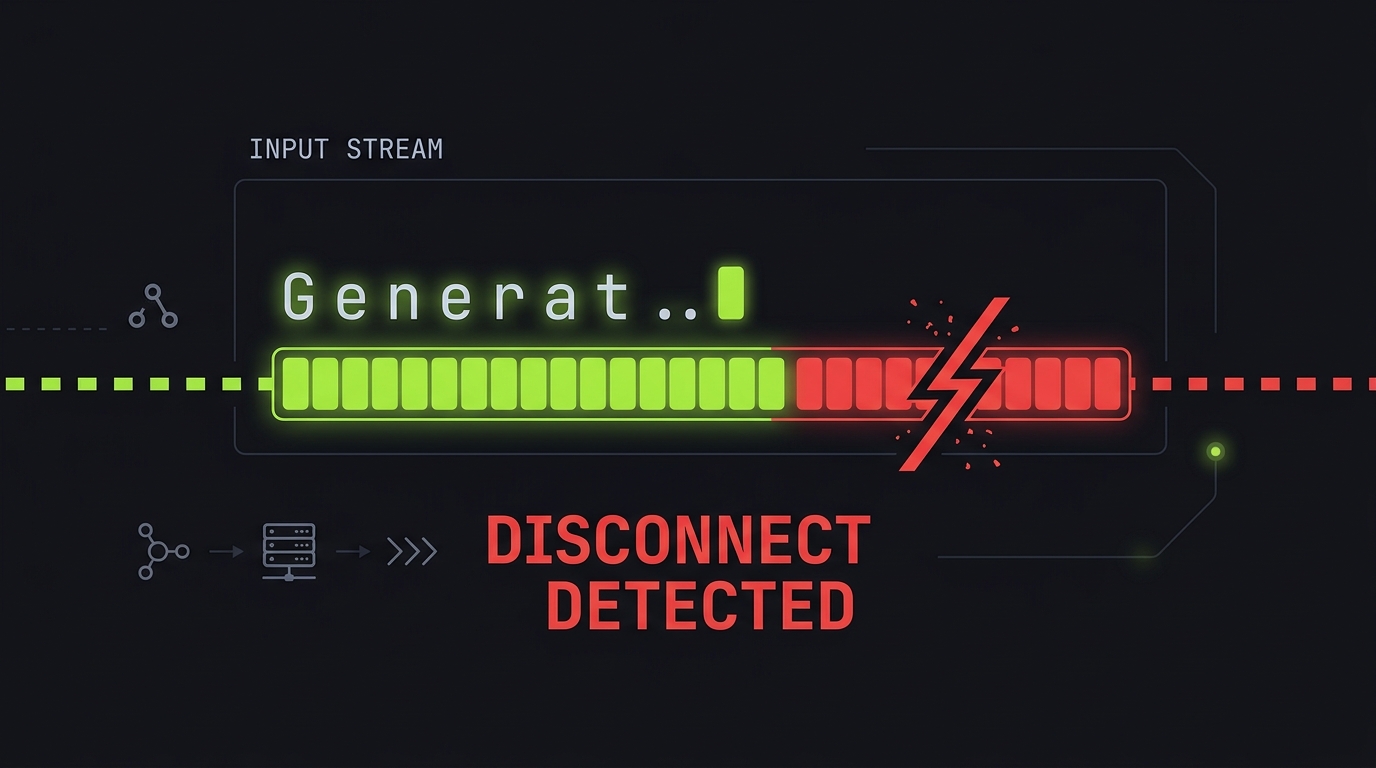
1. The stream breaks mid-token Network interruptions can drop the connection after partial output. Buffer accumulated tokens server-side so you can log what was delivered versus what was generated. This matters for debugging and for billing reconciliation.
2. The user cancels the request
When a client disconnects, your generator keeps running and burning tokens unless you check for disconnection. In FastAPI, use request.is_disconnected() inside your generator loop:
async def token_stream(prompt: str, request: Request):
    async with client.chat.completions.create(..., stream=True) as stream:
        async for chunk in stream:
            if await request.is_disconnected():
                break  # Stop generating; don't waste tokens
            delta = chunk.choices[0].delta.content
            if delta:
                yield f"data: {json.dumps({'token': delta})}\n\n"
3. Token limit hit mid-response
Check chunk.choices[0].finish_reason. A value of "length" means the model hit max_tokens and stopped — not a network error, but an incomplete response. Surface this to the client so it can show a "response was cut off" indicator rather than silently truncating.
Streaming Advantages
- Dramatically better perceived latency
- Enables user interruption mid-generation
- Progressive rendering for long outputs
- Frees connection pool faster on short responses
Streaming Tradeoffs
- Harder to compute total token count upfront
- Error handling mid-stream is more complex
- Proxy and CDN layers can silently buffer streams
- Retry logic is non-trivial with partial output
The Gotcha
The most common production bug with LLM streaming isn't in your application code — it's your infrastructure silently buffering responses. Nginx, AWS ALB, and Cloudflare Workers all have default buffering behaviors that swallow SSE streams. Always test your streaming endpoint through your full production stack, not just locally. A stream that works perfectly in development and appears broken in production is almost always a proxy buffering issue.
Takeaway
LLM streaming is SSE you already know — the new work is handling disconnects, finish reasons, and the proxy layer that will silently break your stream if you don't explicitly tell it not to.